Project Overview (Technical Depth)
I built and deployed a containerized Python **FastAPI** microservice that returns {"message": "Hello from ECS!"}. The deployment target was **AWS Elastic Container Service (ECS) using the Fargate launch type**.
The core objective was to demonstrate an end-to-end container delivery workflow, covering: **Amazon ECR** for image storage, ECS orchestration, configuration of the required **IAM Task Execution Role**, and securing the service via **VPC Security Groups**. During my ECS Fargate project, I faced challenges such as [briefly mention 1–2 main problems]. Using my own knowledge and guidance from expert resources, I researched solutions, tested different configurations, and iteratively refined the setup until the issues were resolved. This process strengthened my understanding of container orchestration, networking, and deployment strategies, while also honing my troubleshooting and problem-solving skills.
Challenges and Resolutions (Enhanced with Technical Context)
uvicorn main:app --host 0.0.0.0 --port 8080 on Python 3.14 failed with a Windows launcher error: "Unable to create process...".
py -3.14 -m pip install fastapi "uvicorn[standard]"
py -3.14 -m uvicorn main:app --host 0.0.0.0 --port 8080
eu-west-2 region failed because the actual ECR repository existed in us-east-1.
aws ecr get-login-password --region us-east-1 | docker login --username AWS --password-stdin ACCOUNT_ID.dkr.ecr.us-east-1.amazonaws.com
docker tag ecs-python-app:latest ACCOUNT_ID.dkr.ecr.us-east-1.amazonaws.com/ecs-python-app:latest
docker push ACCOUNT_ID.dkr.ecr.us-east-1.amazonaws.com/ecs-python-app:latest
Resource handler returned message: "Invalid request provided: CreateCluster Invalid Request: Unable to assume the service linked role..."
aws iam get-role --role-name AWSServiceRoleForECS. A subsequent cluster creation attempt succeeded, confirming the underlying IAM dependency was resolved.
RUNNING state, but accessing the Task's Public IP failed (timeout).
Type: Custom TCP
Port: 8080
Source: 0.0.0.0/0
*Note: In a production environment, this source would typically be restricted to an Application Load Balancer's (ALB) Security Group for enhanced security.*
Key Learnings (Refined for Architectural Awareness)
- **VPC Networking and Security:** Mastery of configuring **VPC Subnets** and **Security Groups** to ensure Fargate tasks can be publicly accessed while maintaining proper boundary security.
- **IAM Roles and Permissions:** Clear understanding of the distinct functions of the **Task Execution Role** (for ECR/CloudWatch) and the standard **Task Role** (for application-level service interaction).
- **Serverless Container Strategy (Fargate):** Successful selection and implementation of Fargate over the EC2 launch type, confirming knowledge of the serverless model for container orchestration.
- **AWS CLI/Docker ECR Integration:** Proficiency in using the AWS CLI for ECR authentication and managing the Docker image lifecycle (tagging, pushing) across different AWS regions.
Outcome
A containerized FastAPI application was successfully deployed on **AWS ECS Fargate**, accessible publicly via its Task Public IP. This project demonstrates strong hands-on experience in cloud deployment architecture, security configuration, and cross-service AWS integration.
Project Screenshots
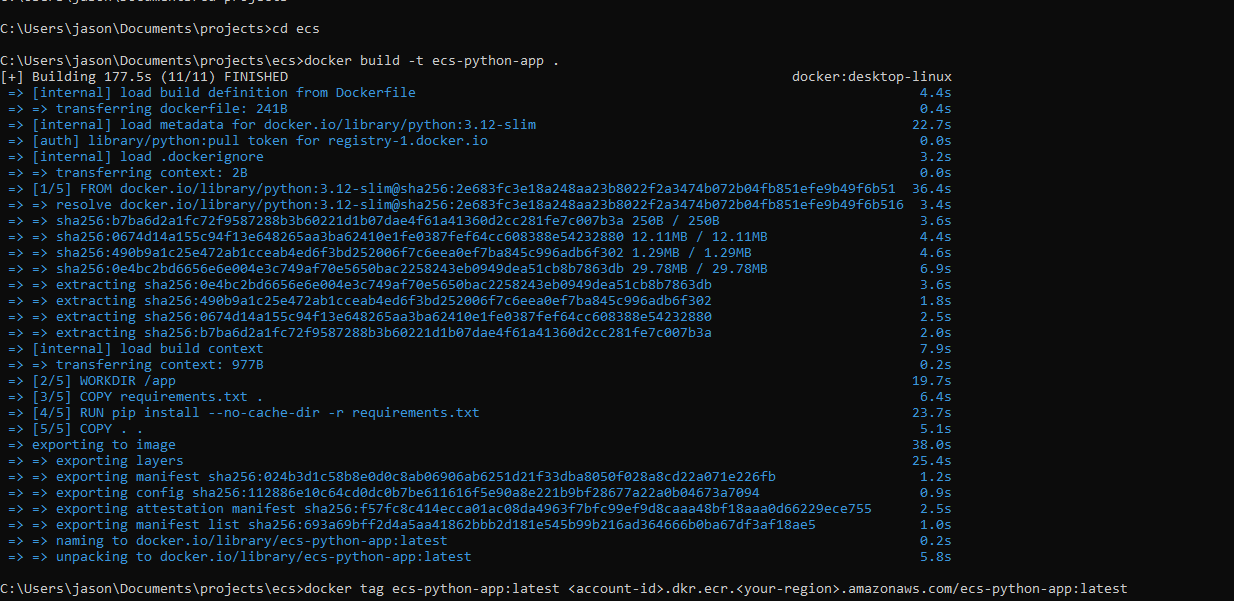
ecsbuild.PNG — Downloading/building Docker files
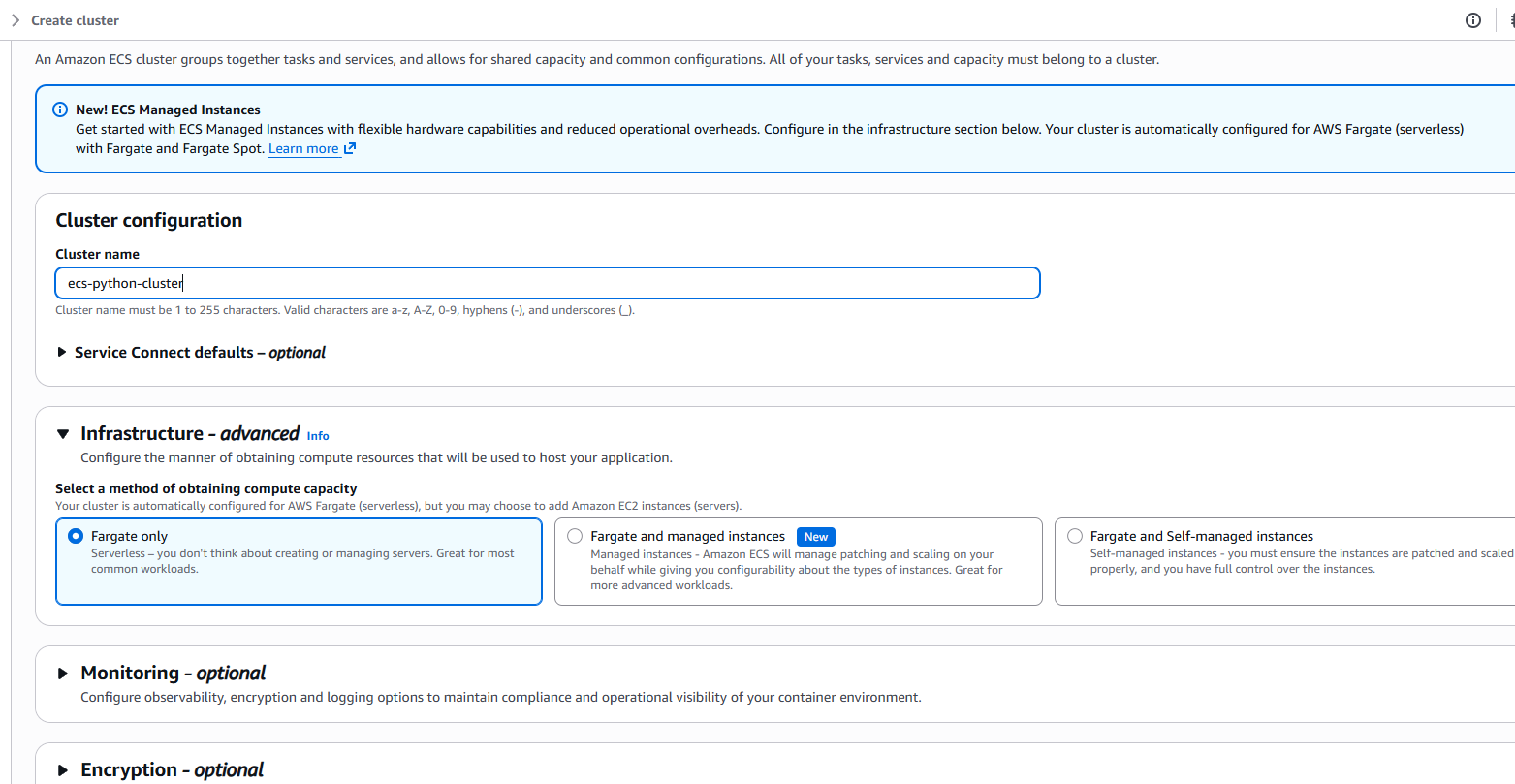
cluster1.PNG — Working on AWS Console

simpleecsoutput.PNG — Resulting ECS Output