Me using Cloudformation
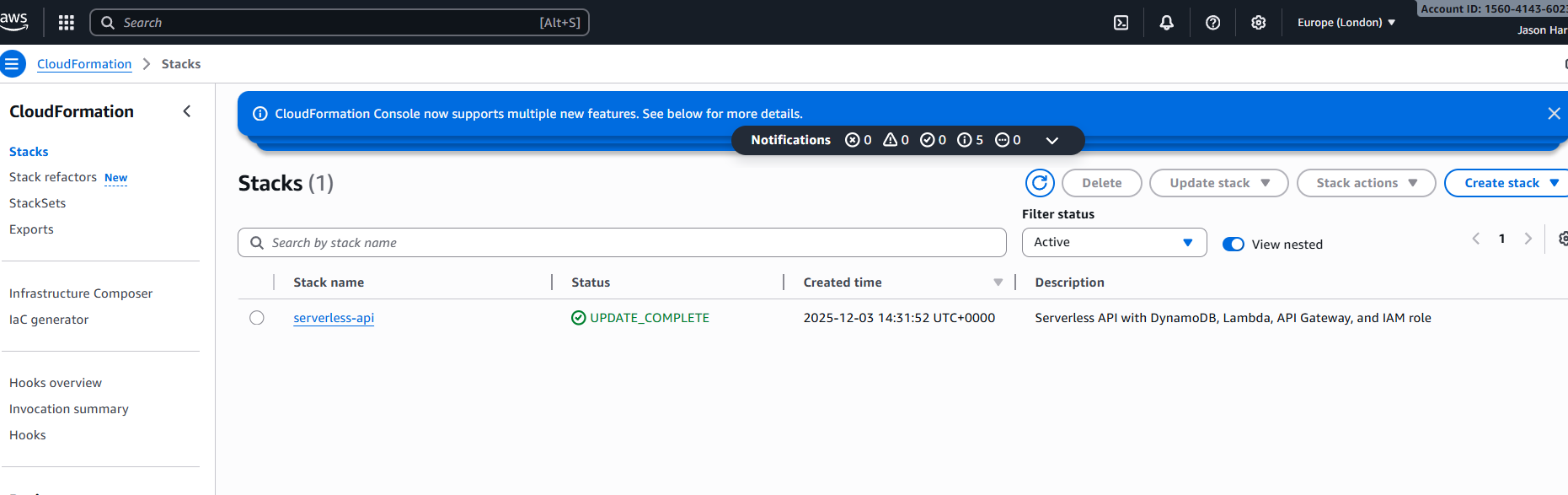
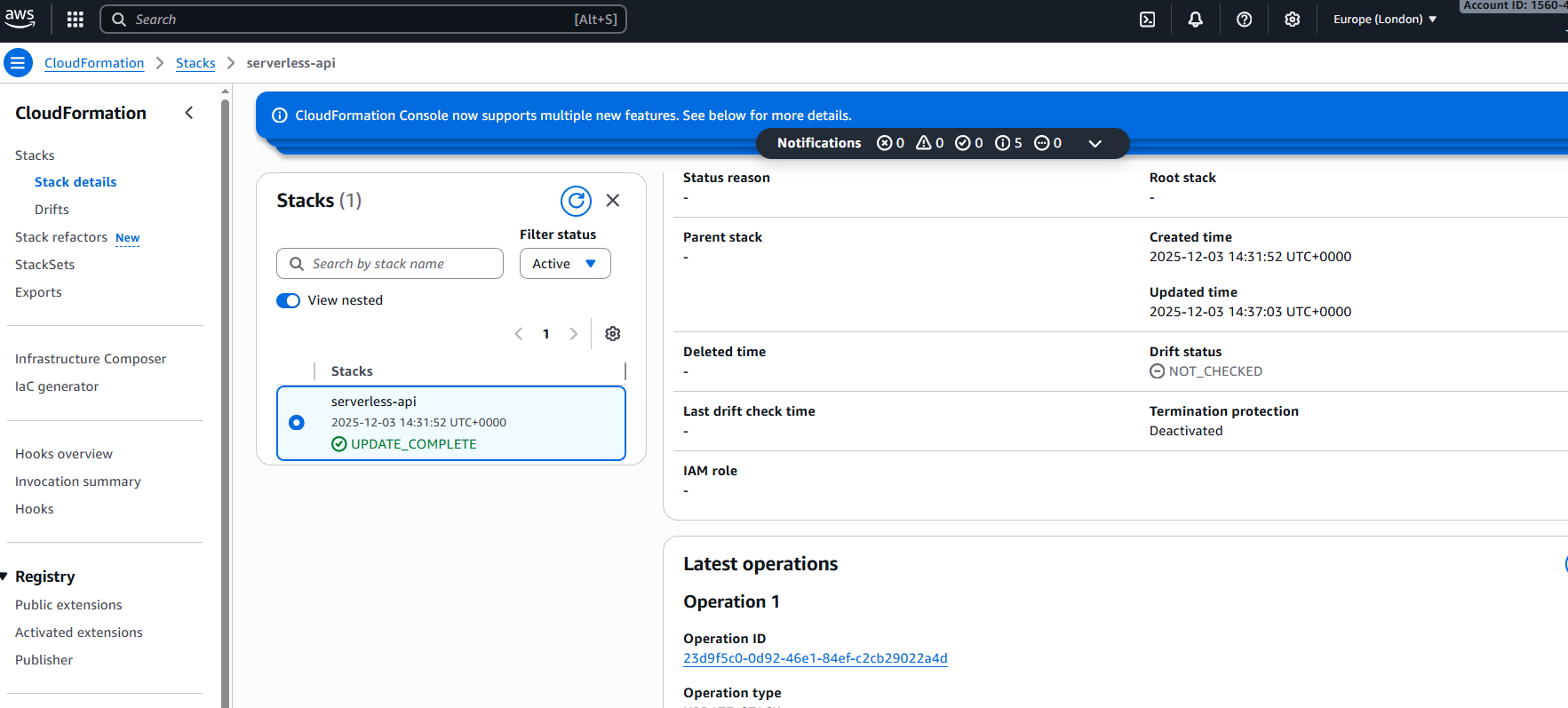
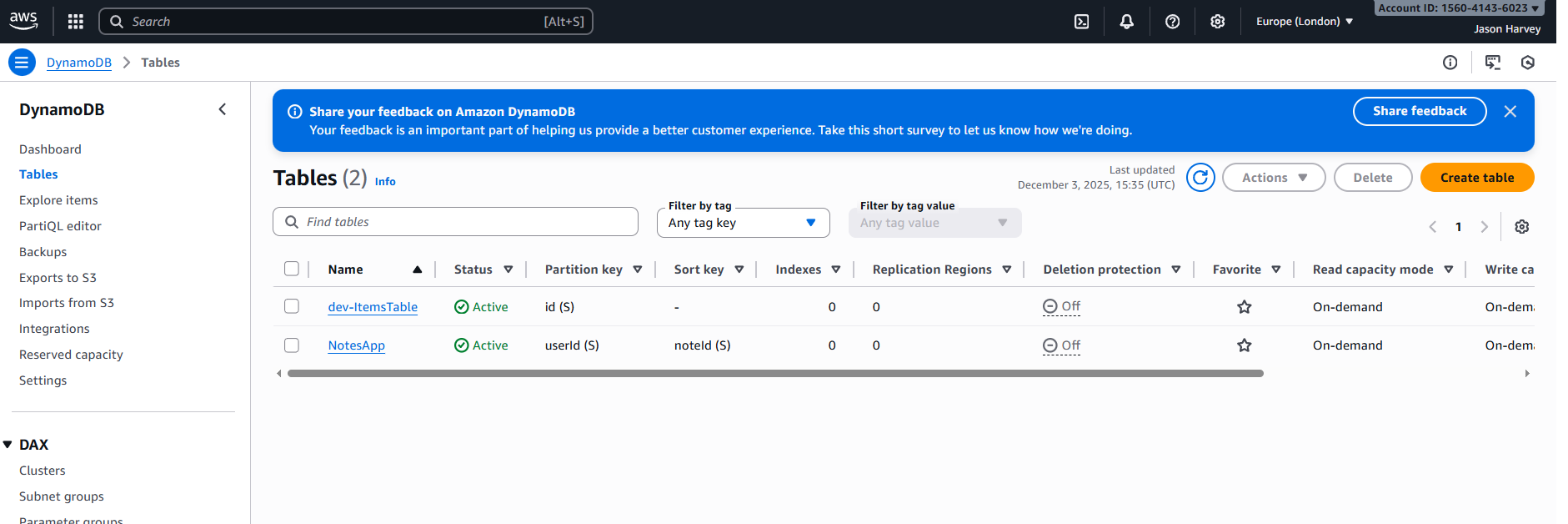
This project is a **fully serverless CRUD API** deployed entirely with AWS CloudFormation. It demonstrates end-to-end AWS skills including Lambda, DynamoDB, API Gateway, and IAM roles, using infrastructure-as-code to create a production-ready API.
This was the code that I used to deploy via windows cmd aws cloudformation deploy --stack-name serverless-api --template-file template.yml --capabilities CAPABILITY_NAMED_IAM --parameter-overrides EnvironmentName=dev

          +-------------------+
          |   API Gateway     |
          |  /items endpoints |
          +---------+---------+
                    |
          +---------v---------+
          |     Lambda        |
          |  (Python 3.10)   |
          +---+-----+----+---+
              |     |    |
    +---------v+   v+   v---------+
    | CreateItemLambda            |
    | GetItemLambda               |
    | GetAllItemsLambda           |
    | DeleteItemLambda            |
    +-----------------------------+
              |
              v
       +--------------+
       |  DynamoDB    |
       |  ItemsTable  |
       +--------------+
# Create an item
curl -X POST "https://<api-id>.execute-api.<region>.amazonaws.com/prod/items" ^
-H "Content-Type: application/json" ^
-d "{\"id\":\"1\",\"data\":\"Example item\"}"

# Get a single item
curl "https://<api-id>.execute-api.<region>.amazonaws.com/prod/items?id=1"

# Get all items
curl "https://<api-id>.execute-api.<region>.amazonaws.com/prod/items"

# Delete an item
curl -X DELETE "https://<api-id>.execute-api.<region>.amazonaws.com/prod/items?id=1"

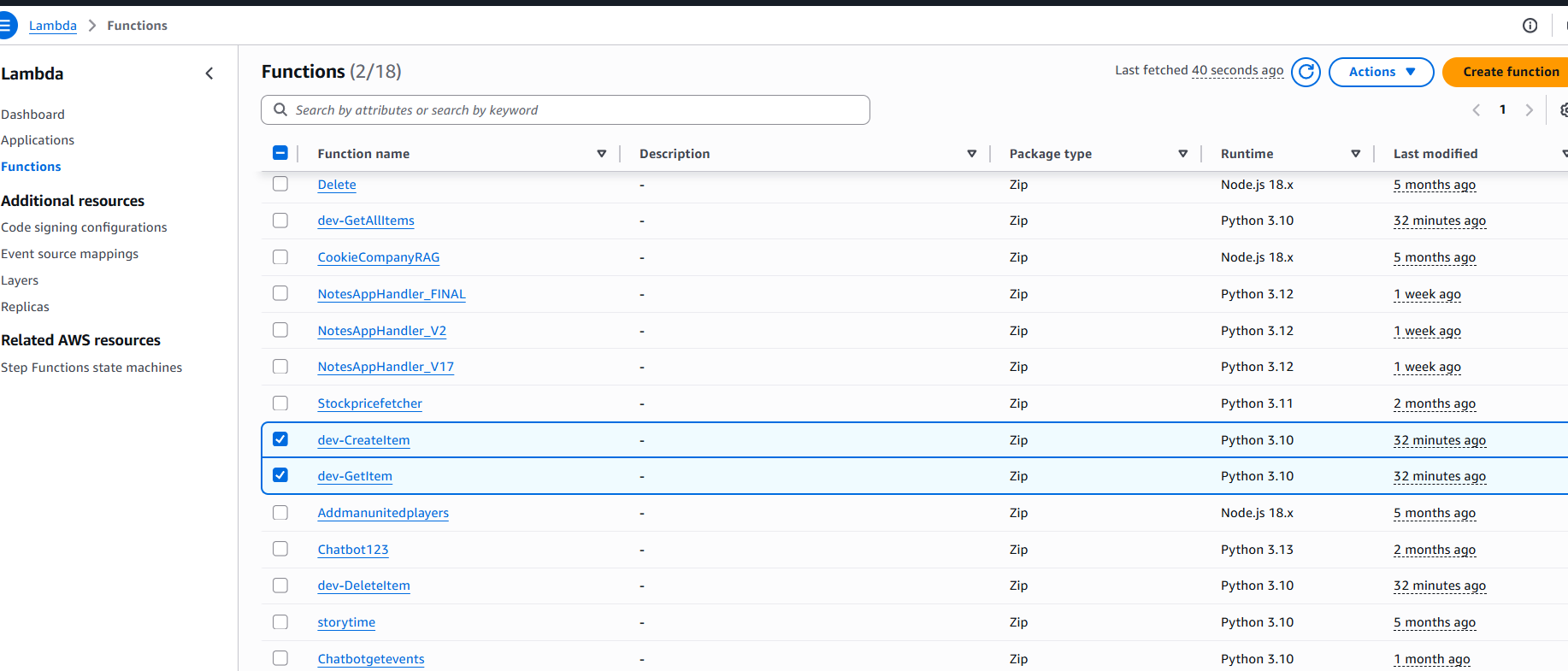
See the full source code and CloudFormation template here: serverless-api on GitHub
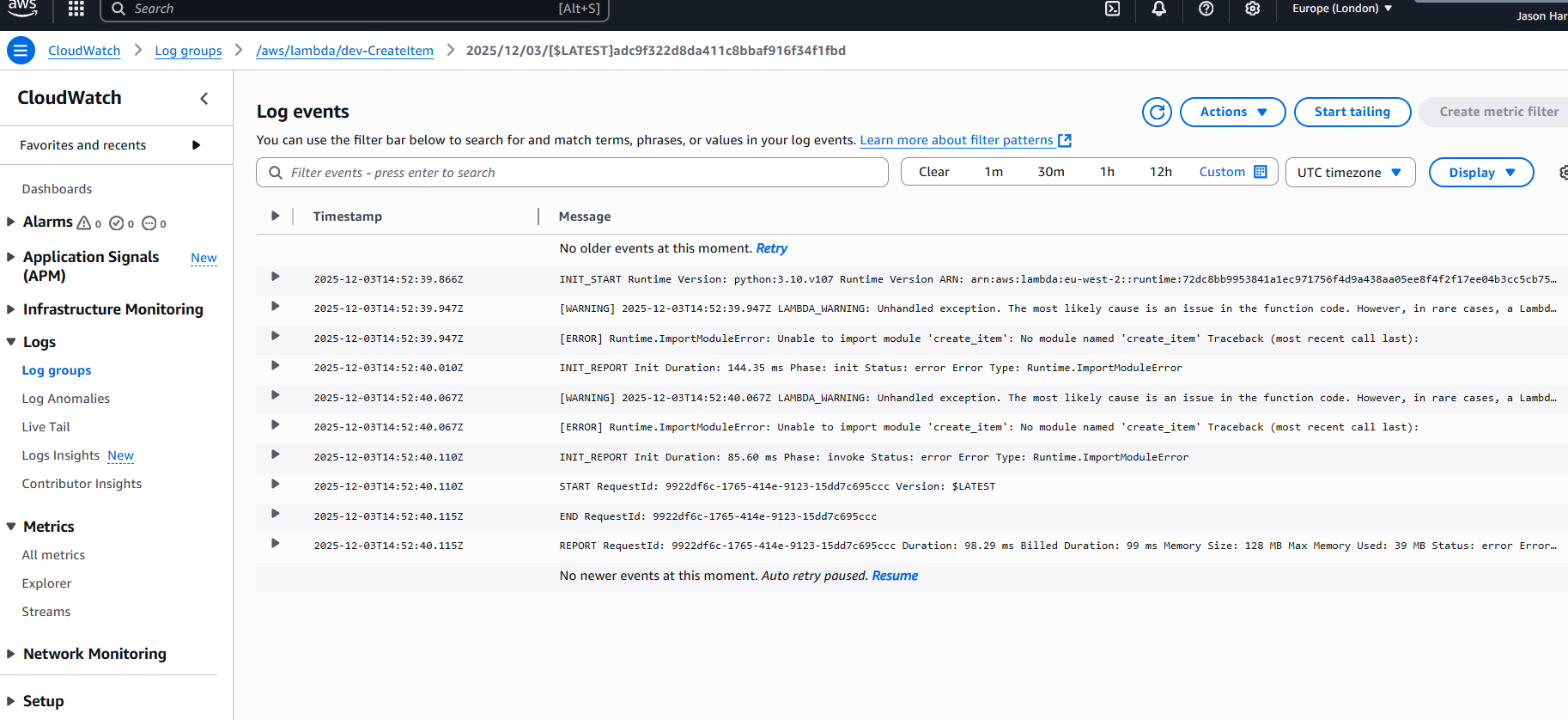
On an end note we did get the Cloudformation up and running, I understood that text code didnt really help. But we finally uploaded ok. I would feel confident in uploading more projects via cli and through Cloudformation infrastructure. We did have a one permission error. Which shows in the below photo. Message forbidden. So this is when we called the endpoint, and Lambda requires permission to be invoked by API gateway or the IAM role wasnt fully configured. We saw the error in Cloudwatch [ERROR] Runtime.ImportModuleError: Unable to import module 'create_item': No module named 'create_item'. This meant Lambda couldn’t find the handler module you referenced in the template. That’s why API Gateway returned 403/Forbidden — it can invoke Lambda, but the function itself failed at runtime.
How we fixed it Switched to inline Lambda code in CloudFormation, so no external Python module was needed. Updated the handler to index.lambda_handler, matching the inline function. Verified the IAM role had proper permissions for DynamoDB access and CloudWatch logging. After that, all curl requests returned successfully: POST → Item created GET → Item retrieved DELETE → Item deleted